The best Programa alternative for solo and small-studio interior designers
Programa is a capable studio-operations suite. If your real job is sourcing, specs and client approvals, thesheet is the focused alternative. Start free, no time limit.

Table of contents
Share
The short answer
Programa and thesheet cover the same core work. Both capture products from supplier pages, keep them in a reusable library, turn them into structured specifications then share those specifications with clients for approval. So the decision - practically speaking - is rarely about which tool has more features. It's about how much of your practice you want the software to run.
Programa is the stronger choice if you want one system that also handles procurement, invoicing and payments, time tracking, tasks and project timelines. thesheet is the stronger choice if most of your work is sourcing, specifying, reusing past selections then chasing client decisions. If that second description sounds like your week, you can build one real project in thesheet free before deciding anything.
Why designers start looking for a Programa alternative
Most people are reading this comparison after the spreadsheet finally failed them. The specification lived in Excel, the client got a PDF, the supplier links sat in an email thread with the subject line "FW: FW: lighting" then one of the three stopped matching the other two. Somebody put in an order with the old price.
Programa is an obvious step up from that, which is why it comes up first. The hesitation is usually not about whether it works. It is about whether you need all of it. If your loop is find the product, get it into a specification, put the specification in front of a client, record what they approved, then a system built to also run your invoicing, your payments and your studio timeline hands you a lot of software you will pay for without opening.
That is worth thinking about not only because of the difference in cost. Adopting studio-operations software is a change to how the practice runs. Adopting a specification tool is a change to how one part of the week runs.
How to decide between them
Three questions usually settle it.
Where does your admin time actually go? If it goes into chasing product details, rebuilding spec documents then asking clients what they decided, you have a specification problem. If it goes into invoicing, deposits, purchase orders then reconciling supplier payments, you have an operations problem.
Who else needs to be in the system? A solo designer with one associate has a different adoption cost than a six-person studio with a bookkeeper. Per-seat software makes sense when the extra seats use the extra modules.
How soon do you need it working? You can set up a specification tool inside a single live project and get going in minutes. Moving procurement and finance into one system is a project of its own.
Programa and thesheet at a glance
Scope. Programa aims to run the practice from brief through to getting paid. thesheet stays on sourcing, specification then client sign-off.
Product capture. Both pull product details from supplier pages into a project library instead of making you retype them.
Client review. Both give clients a branded view in the browser with no login, with comments and approvals sitting against individual items.
Project operations. Programa adds tasks, subtasks, phases, timelines then a studio-wide view. thesheet keeps a project overview with statuses rather than a project-management layer.
Money. Programa includes procurement, invoicing, payments then time tracking, with Xero and QuickBooks integrations. thesheet covers project costs, service items then margins without trying to bill your clients for you.
Commitment to start. thesheet has a free plan with one active project on it, with no time limit, so you can test it on live work rather than inside a countdown.
Where Programa is the stronger fit
If you want the whole practice in one place, Programa is built for that. Procurement and invoicing sit in the same project as the specification, so billing does not mean rebuilding the job somewhere else. Tracked time can become invoice lines. Tasks, phases then timelines live next to the selections, so the studio view and the specification are the same record.
Choose it if your team wants that system, has someone to set it up then will use most of it. A broad suite is only good value when the breadth gets used.
Why thesheet is the better fit for a sourcing-to-approval week
Capture products while you are still sourcing
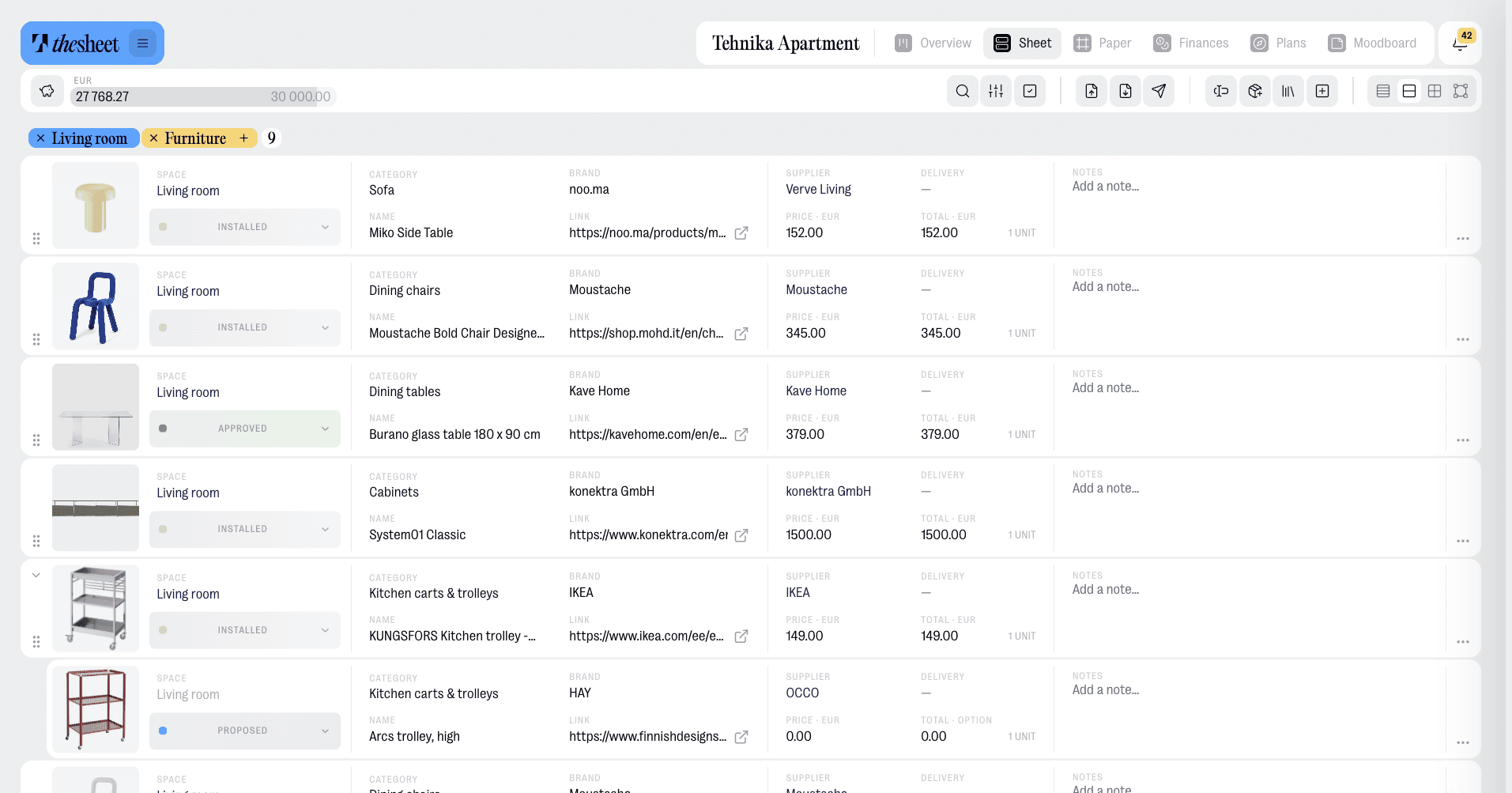
You are on a supplier page with the piece you want. The Product Clipper for saving products from supplier sites sends the name, image, price then details into your project. Paste a link instead if you prefer, then let Donut, thesheet's AI helper, fetch the details. Everything you clip lands in your product library, tagged and searchable, so the next project starts from your own shelf.
Build a specification a client can read
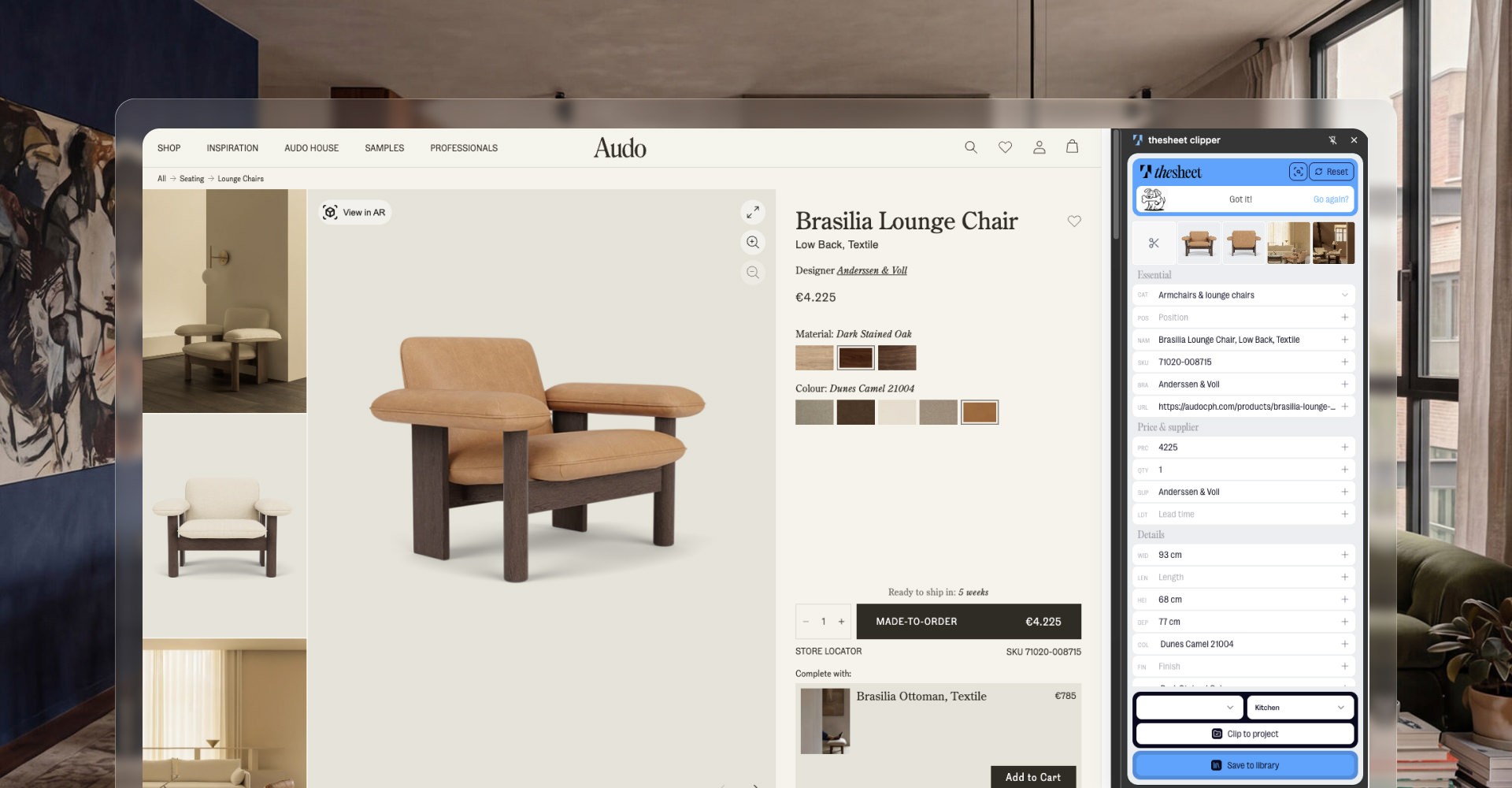
Products go into a structured spec sheet with images, quantities and notes, grouped by room or by category depending on how the project runs. It survives a change of mind better than a spreadsheet because swapping one item does not mean checking four tabs for the consequences.
Share one link instead of five versions
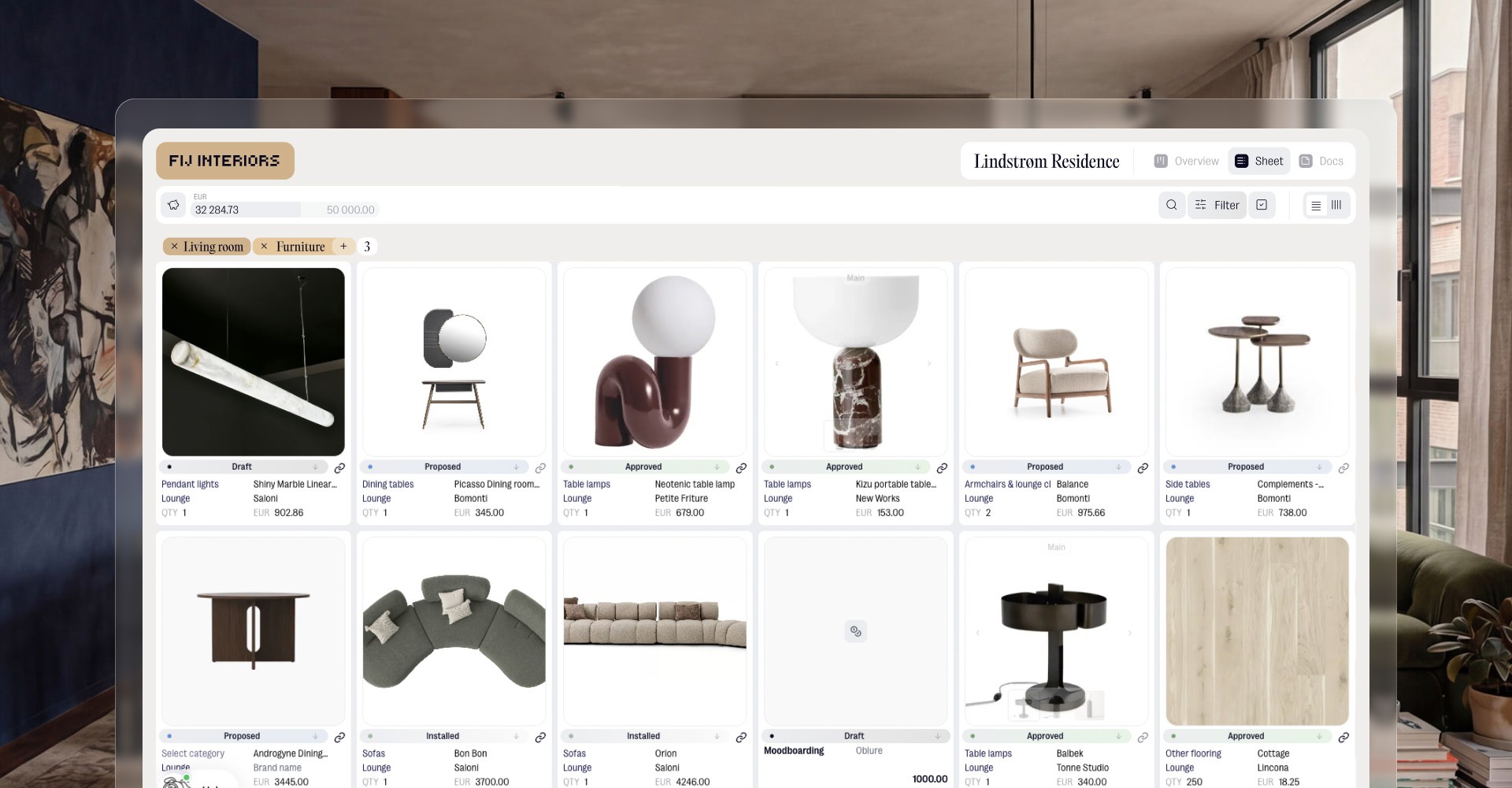
Clients open a client view in the browser with no account to create, then approve items, reject them or leave a comment next to the product being discussed. Decisions stay with the thing being decided. You control which fields a given link shows, so a client, a contractor then a supplier can each get the version that makes sense for them without you maintaining three files. There is more on that in our guide to presenting interior design selections to clients.
Choose Programa if, choose thesheet if
Choose Programa if you want procurement, invoicing, payments then timelines sitting alongside your specifications, with the team and the appetite to adopt a full system.
Choose thesheet if your week is sourcing products, building specifications, reusing selections then getting sign-off, with a lower commitment to start. You can compare what the free plan covers on the thesheet pricing page or see the full capability list on the thesheet features overview.
Start one real project
The best test is a live job rather than a demo project. Put your current sourcing into thesheet, build the specification, send the client link then see how the approvals come back. Start a project in thesheet.