April Update II: Service Items. Adding shipping, installation and service costs to your project
From shipping and installation to your own fees — service items bring every real project cost into thesheet, so your spec finally reflects the true total.
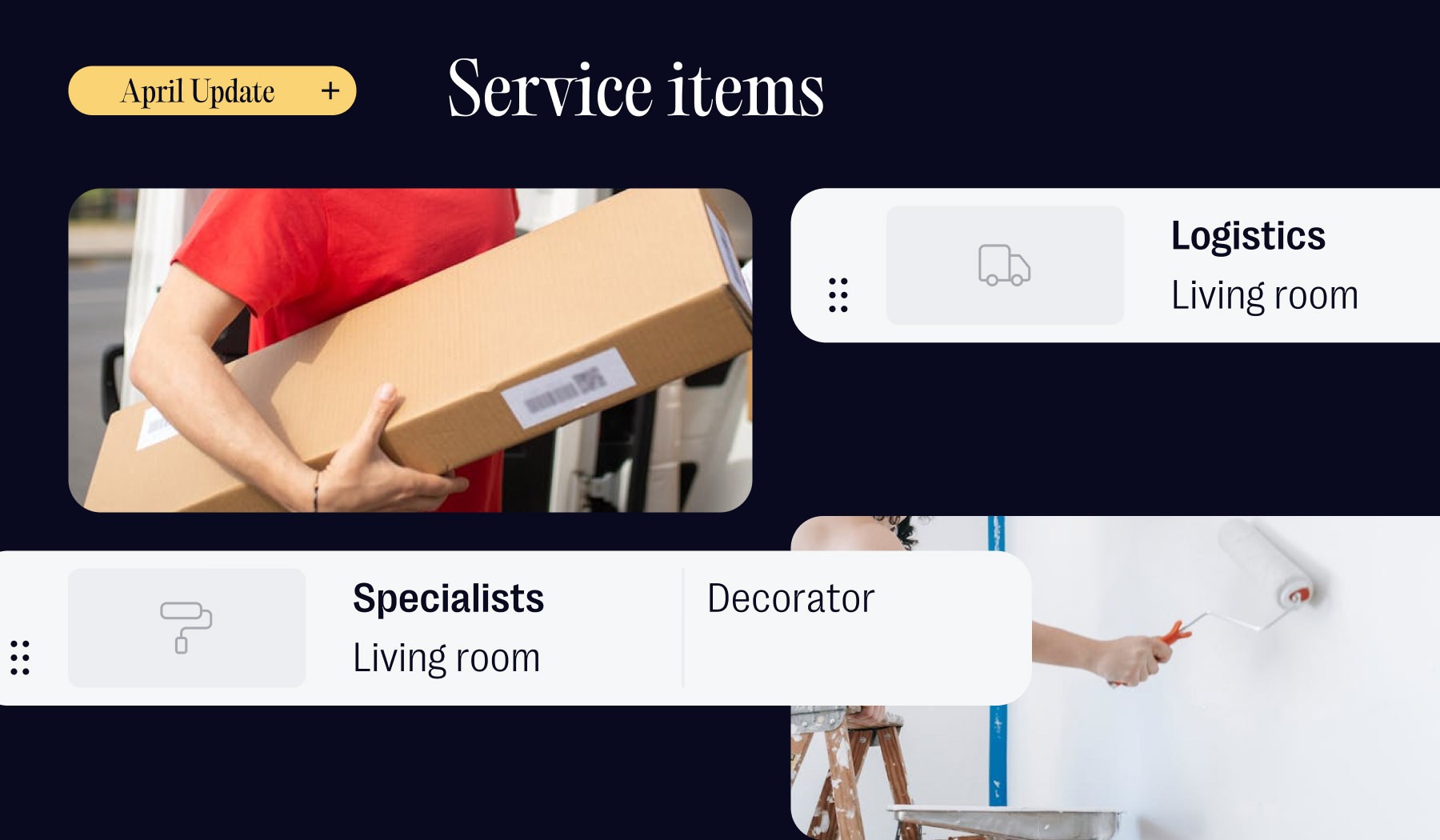
Table of contents
Share
Every interior design project is made up of two kinds of things: the stuff and everything that gets the stuff into the room.
We've always been good at the first part. Products, sourced and clipped and organised and shared with clients — that's the very core of thesheet. But the second part has been quietly living somewhere else. In an email thread with the contractor. In a supplier's shipping quote. On a post-it next to your monitor.
Today we're fixing that. Meet service items — a new row type for all the costs on a project that aren't products.
The price tag isn't the price
Here's something every designer knows but most project specification software quietly ignores: the number on the tag is almost never the number your client pays.
A pendant lamp needs an electrician. A bespoke wardrobe needs a carpenter. A dining table from abroad carries shipping that might quietly rival the cost of the chairs you're putting around it.
Services like these can have a real impact on the total budget. And yet, in most design workflows, they exist in a parallel universe to the spec sheet — which means the spec sheet isn't really telling the truth.
What a service item is (and isn't)
A service item is a row in your sheet. It has a name, a price, a quantity. It sits alongside your products and behaves like them in every way that matters — it flows into your totals, it shows up in your client view, it counts toward your budget.
What it isn't: a product. It doesn't have a glossy photo or a set of dimensions. It represents work, or movement, or time — not an object.
You can add a service item in two ways:
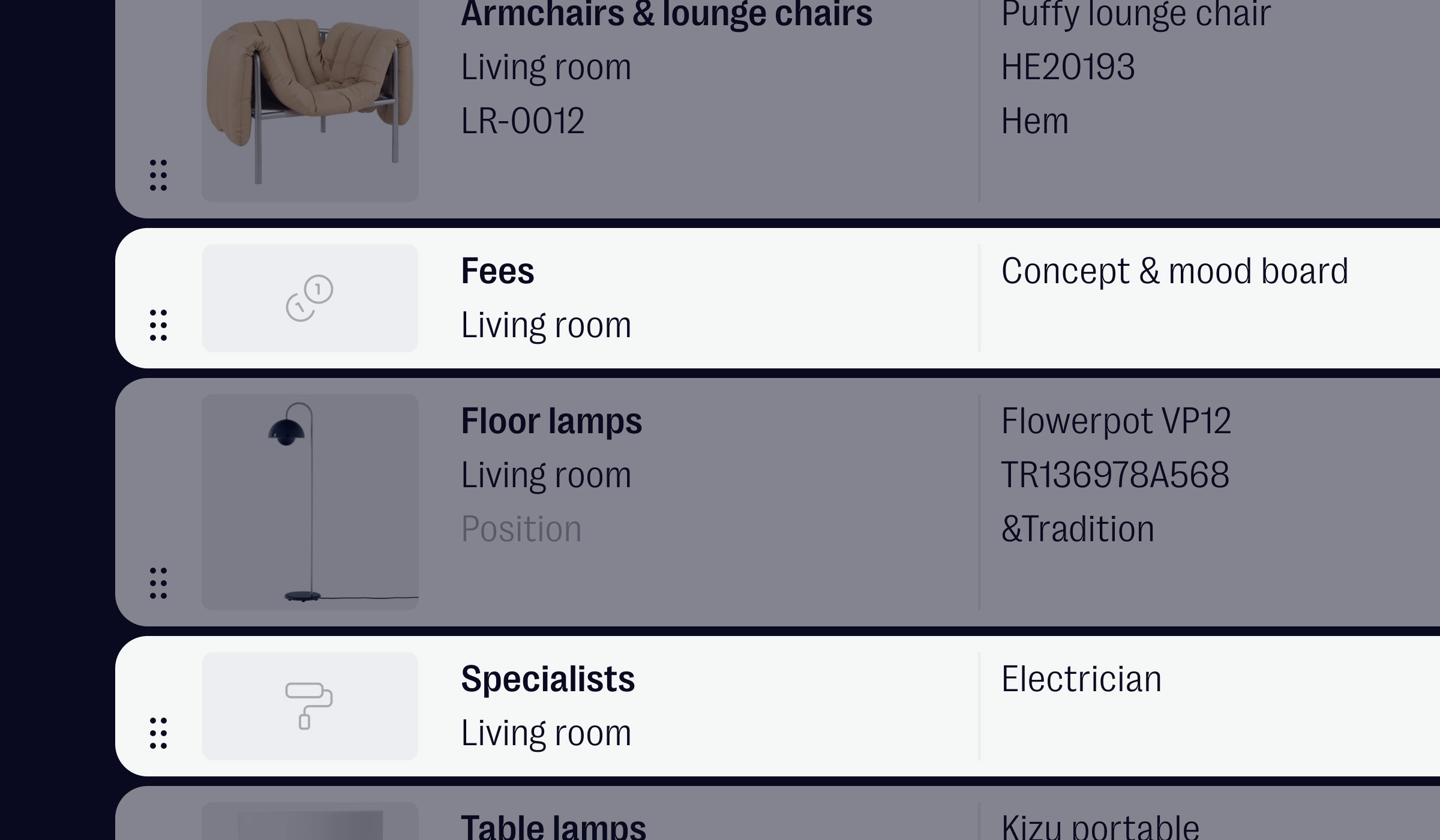
Standalone — for costs that stand on their own and are not connected to anything else. Click the + in your sheet view and select Add Service. Think main contractor fees, project management charges, general site prep.
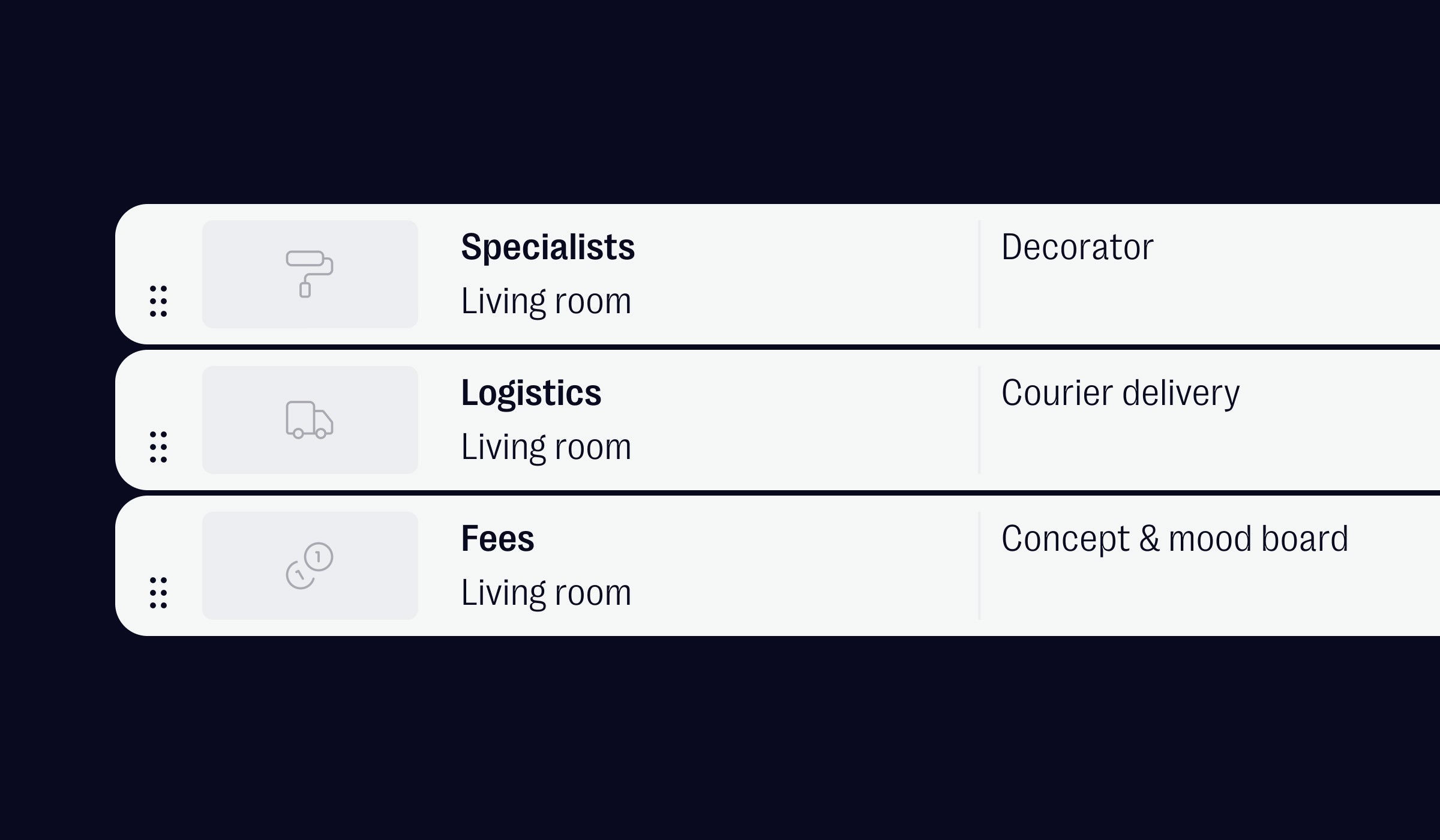
Linked to a product — for costs that belong to a specific item. Click the ··· on any product row and select Add service. The row nests directly beneath the product, so your delivery charge, installation fee or customisation cost stays visually tied to what it relates to.
Three categories, built from how designers actually work
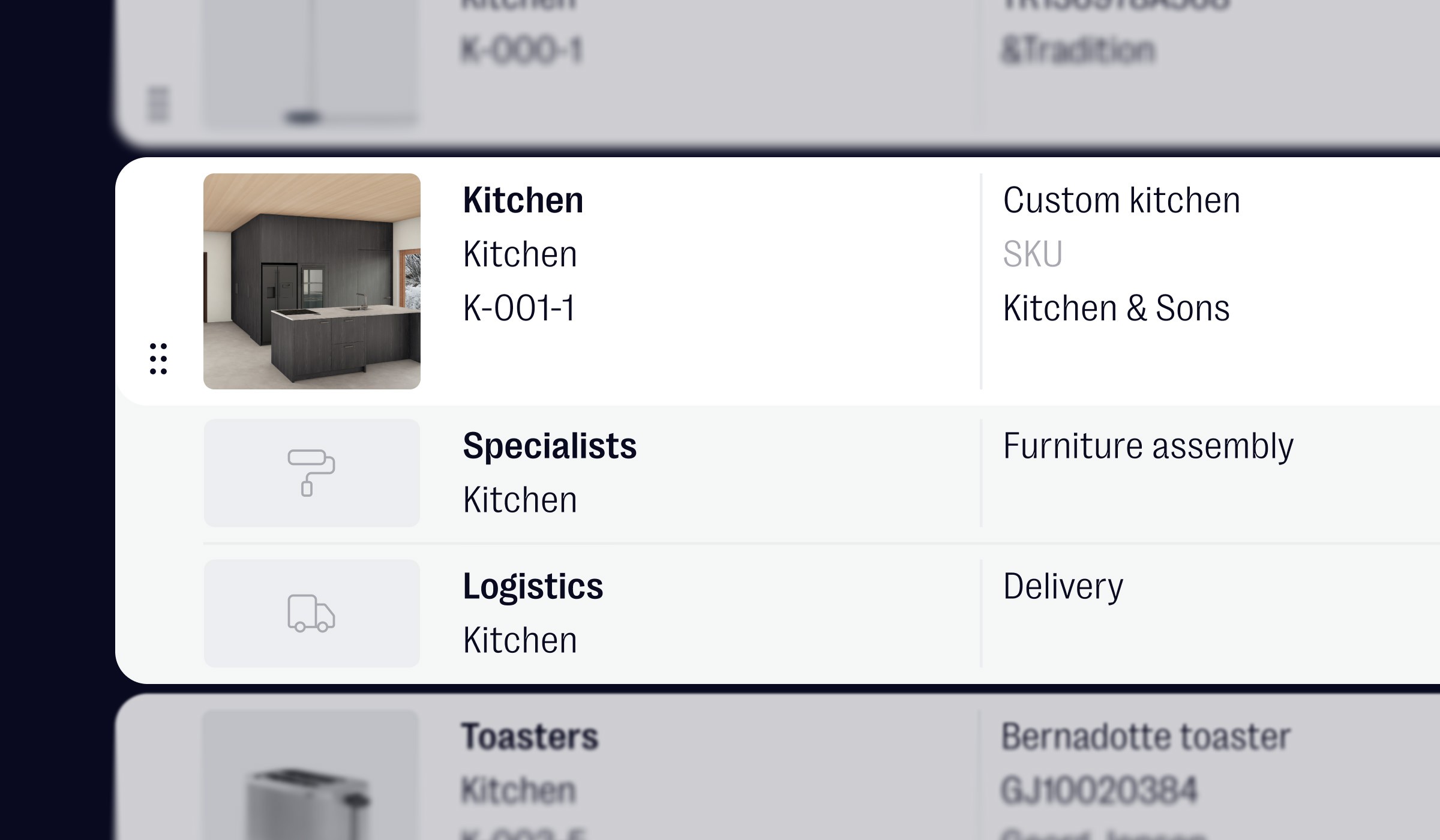
Services on a design project tend to fall into three buckets, so that's how we've set it up:
Specialists — the people you hire. Tilers, painters, electricians, upholsterers, joiners, 3D visualisers, photographers. Anyone whose name isn't yours but whose work is part of the project.
Logistics — the movement of things. Shipping, delivery, customs, storage, white-glove handling, returns. Anything that touches a truck, a warehouse or a border.
Fees — you. Site visits, consultation hours, design fees, project management, revision rounds. Your own time, finally with a place to live.
Where this changes the conversation
Service items don't just make your sheet more complete — they change what the sheet lets you do.
They make sourcing decisions honest. The €2,400 sofa from down the road and the €2,100 sofa from Milan aren't actually the same comparison once shipping is on the page. Putting service items next to products gives you — and your client — a total-cost view of every option, not just a headline price.
They make bespoke work readable. A kitchen project with the cabinetry and the installation as separate lines is easier for a client to understand than a single lump sum. Same for a custom wardrobe with the joiner's labour broken out, or a curtain order with the upholsterer's fitting listed underneath the fabric.
They make your fees visible. Project management, design hours, site visits — these aren't invisible parts of what you deliver, but they've often lived on a separate invoice. Putting them on the sheet alongside the work they relate to positions them as part of the project, not an afterthought.
They make totals trustworthy. When a client opens their client view and looks at the project total, it should match what they're actually going to pay. With service items, it finally does.
If you're tracking the money side of your projects
Here's a good moment to mention something that not everyone using thesheet realises is there: the financial overview.
It lives one click away from your sheet view, under the Overview tab — just toggle to Table View in the top right. What you get is a full margin table for your project: every product (and now every service) laid out with columns for RRP, your trade discount, trade price, markup, client price, profit, and payment status for both you and your client. The maths runs automatically. Change a trade discount and the trade price updates. Adjust a markup and you see the profit shift in real time.
Service items plug into it without any extra work. They appear in the margin table with the same columns as products. They feed into the project summary bar at the top of every view — Budget, Allocated, Ordered, Paid, To be paid. They're included when you export a financial summary to PDF for a client or an invoice annex. Payment tracking works the same way: one click on the icon to mark something as fully paid, two clicks for a partial payment.
The principle behind the feature
One of the ideas we come back to often at thesheet is that a good tool should reflect how designers actually work — not force designers to work around the tool.
Design projects have always included services. Spreadsheets have always had a "misc" tab, a "costs" sheet, a separate tracker somewhere. The software just hasn't caught up to the reality of the work. Service items are a small step toward closing that gap.
One more thing
This update came out of conversations with studios already using thesheet. We heard this in different forms — can I add shipping?, where do I put the installer?, is there somewhere for my own fees? — and each version pointed at the same gap.
So service items are, quite directly, yours. If there's something else missing for the way you work, tell us. hey@thesheet.co is always open and the next small feature probably starts in one of those emails.