Product Clipper + Donut
Clip products in less than 10 seconds with Donut
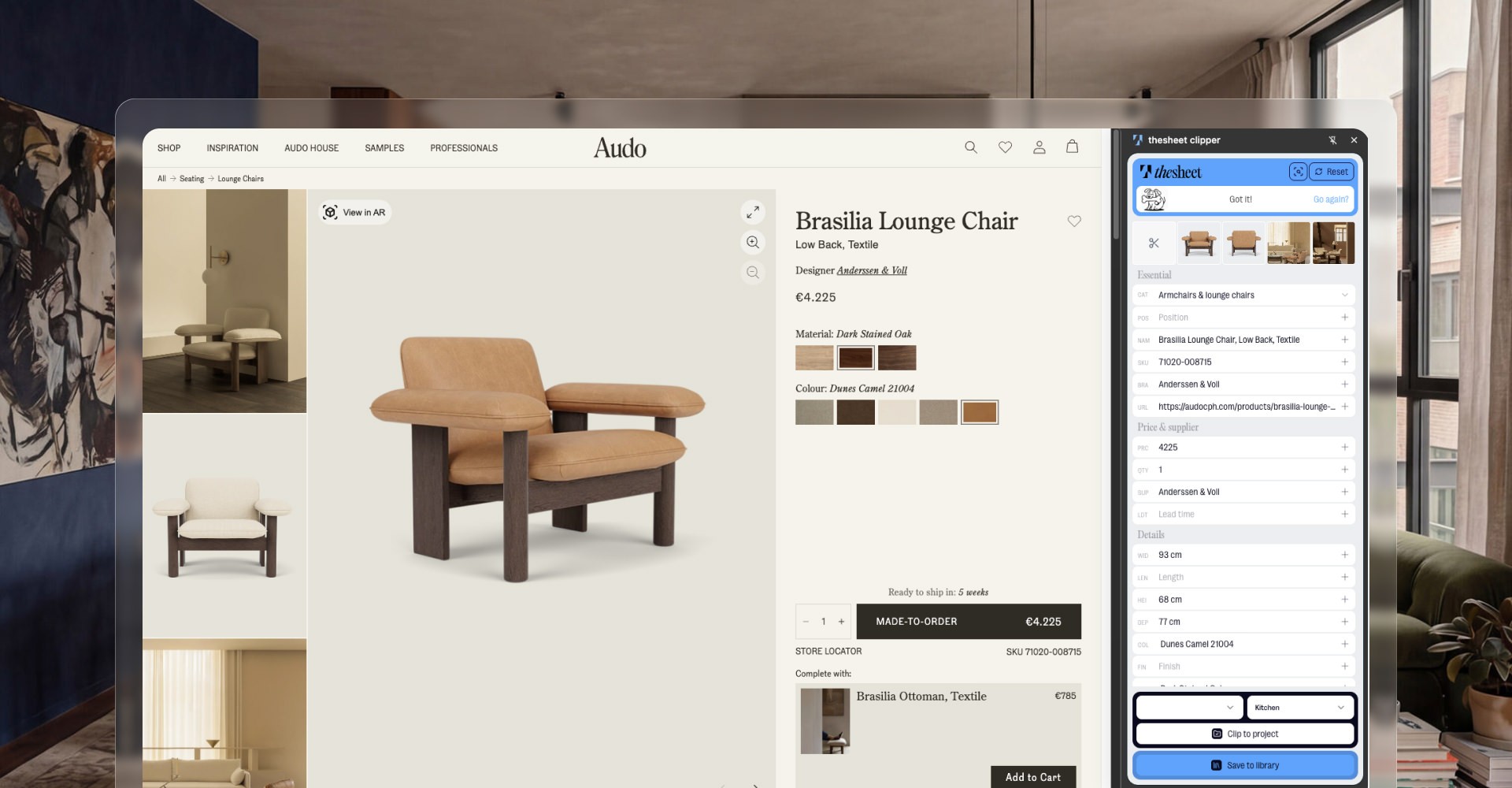
Use the Chrome Product Clipper while you browse supplier websites. With one click, Donut can pull the useful product details into thesheet, so you spend less time copying images, links and specs by hand.
You can also paste a supplier URL directly into Sheet view with Cmd or Ctrl + V. And when a page is difficult to capture normally, Snip-to-Clip lets you grab a screenshot and send it to Donut for parsing.
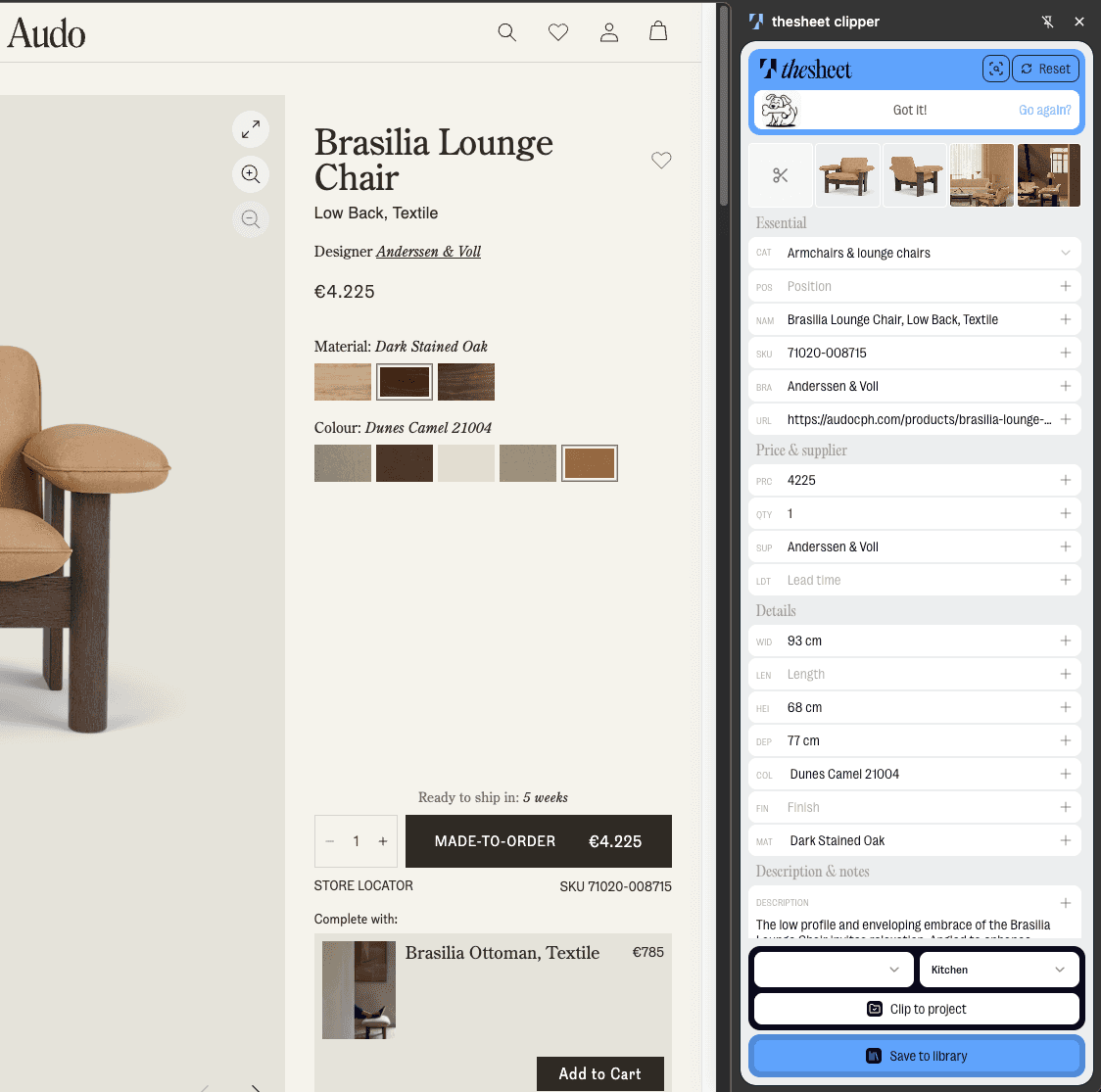
Clip products with one click
When you find a product on a supplier website, use the Chrome Product Clipper to send it to thesheet. Donut fetches the useful product information and creates a product you can tidy, edit and add to the right project.
Paste a supplier link when that is faster
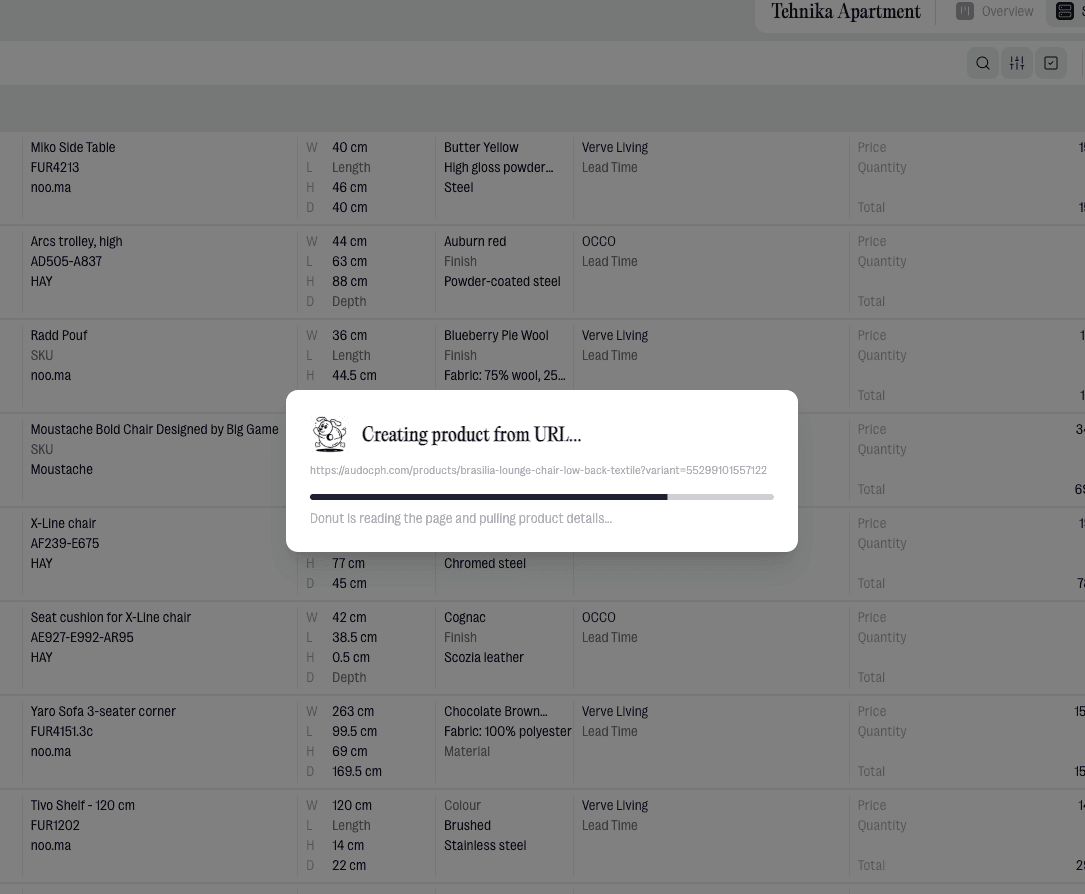
If you already have the product URL, open your project in Sheet view and paste it with Cmd or Ctrl + V. Donut can fetch the product information from the link without making you rebuild the product line by hand.
Use Snip-to-Clip when the page gets awkward
Snip-to-Clip captures a screenshot and sends it to Donut for parsing, so Donut can still help create a useful product record when the page or product image is difficult to capture normally.

"Before, I’d waste time copying images and links to Excel files. With thesheet, I just clip products as I work."
Paola Castillo
Interior Designer & Founder, Own Space
What you can do
Clip products from supplier websites with the Chrome Product Clipper.
Let Donut fetch product details and create a product in your project.
Paste a product URL directly into Sheet view with Cmd or Ctrl + V when you already have the link.
Use Snip-to-Clip to send a screenshot to Donut for parsing when the page or image is difficult to capture normally.
Use regular Snip when you just need to capture an image for the product.
Real life use
Workflow example
You find a chair on a supplier website while researching for a project. Instead of downloading the image, copying the link and rebuilding the product line by hand, you click the Product Clipper and let Donut pull the useful details into thesheet. If you already copied the URL, you can paste it straight into Sheet view. If the website blocks the normal image flow, use Snip-to-Clip to send Donut a screenshot instead.
Try thesheet for free
Create a free workspace and start clipping products into your first project.
Good questions
Answers to common questions about getting started and using thesheet day to day.

How fast can I clip a product into thesheet?
With the Chrome Product Clipper and Donut, you can clip products in less than 10 seconds. Donut fetches the useful product information and creates a product you can review and edit.
Does Product Clipper work in every browser?
Product Clipper is a Chrome extension. Use it from Chrome while browsing supplier websites.
Can I still paste a product link directly into thesheet?
Yes. In Sheet view, copy a product URL from a supplier website and paste it into thesheet with Cmd or Ctrl + V. Donut will fetch the product information and create a product for you.
What is the difference between Snip and Snip-to-Clip?
Regular Snip is for capturing an image. Snip-to-Clip captures a screenshot and sends it to Donut for parsing, so Donut can help turn it into a product record.
Can I edit the product after Donut fetches it?
Yes. Donut helps with the first capture, but the product stays editable. You can adjust the name, details, image, source link and other information before it appears in your specs, Product alternatives or client-facing work.