
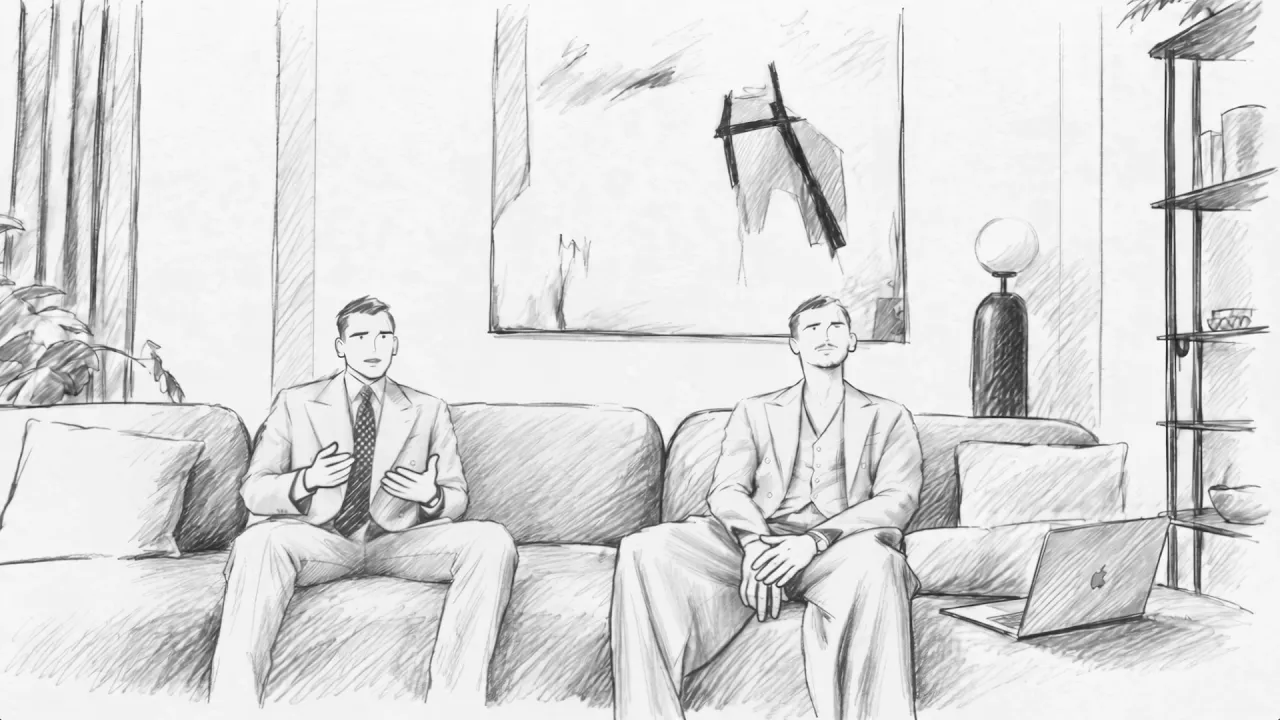
LESS SWITCHING. MORE DESIGNING.
Great design shouldn’t need six open apps.
Mood boards here. Specs there. Client feedback somewhere in your inbox. Bring it all into thesheet, and keep your attention where it belongs: on the design.
Enter it once. Keep it connected.
The chair on your first mood board can be the chair your client approves and eventually orders. Same product. Same project. Nothing to enter twice.
ONE PROJECT. FROM FIRST IDEA TO FINAL YES.
See a project come to life.
Take a look around. Move a couple of things. Follow the same product from an early idea to an approved design.
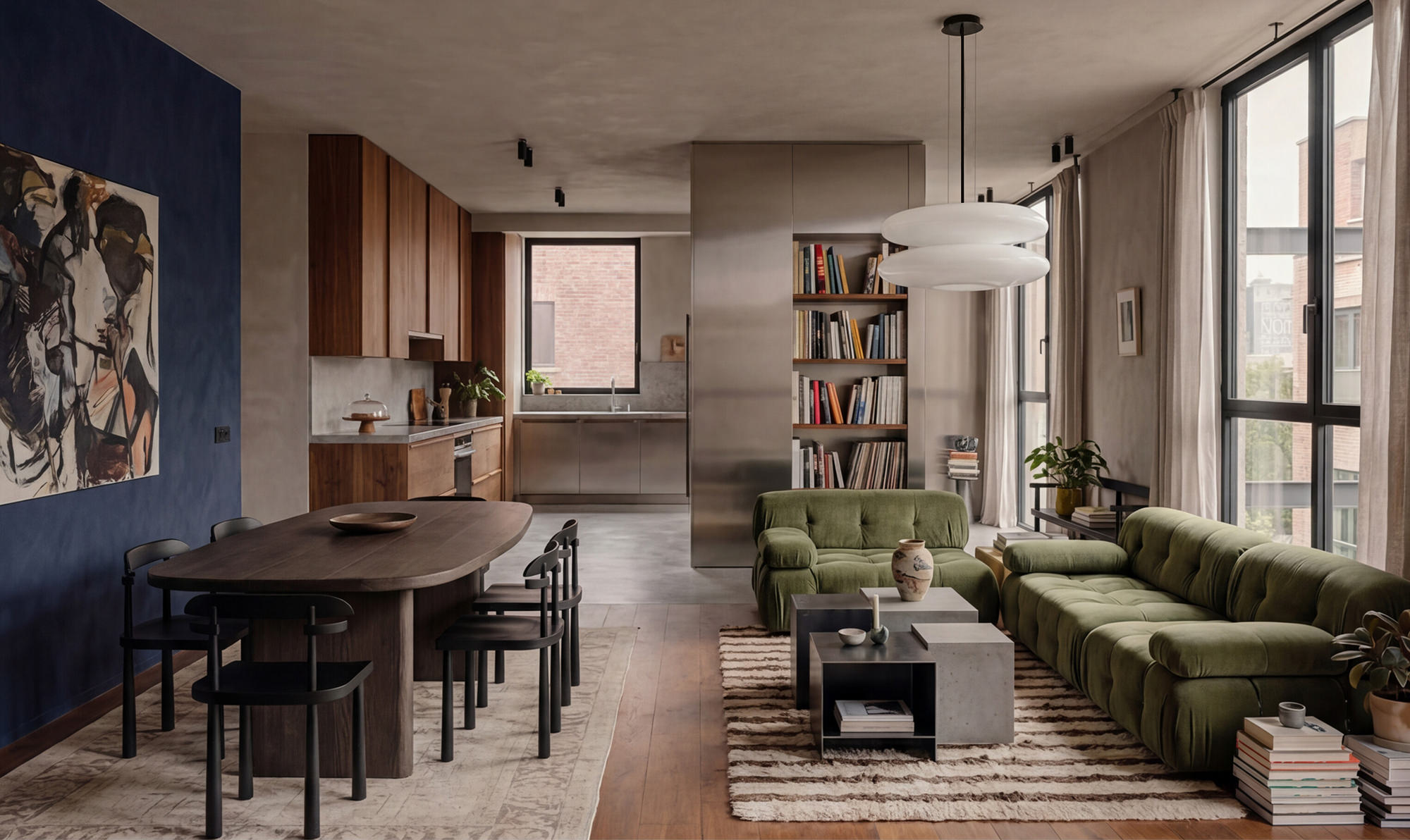
A quieter kind of living.

Lounge chair · €690
THE DIRECTION
Natural textures. A little green. Somewhere to slow down.

Real studios. Real projects.
They switched. Here's what happened.
Here's what they said after their first few projects in thesheet.

"It brought back my inner spark. I wasn’t buried in admin anymore. I could focus on the fun parts of design again."




Start simple.
Your first project takes minutes. The Solo plan is free, with no time limit.
THE CLIPPER
From any website. Into your project.
Found the right thing? Clip it with the Chrome extension, or paste a product link. AI brings the images, dimensions, price and supplier with it. Save it to your Library and use it again, without doing the work again.
INTRODUCING PAPER
A creative workspace. Not another disconnected tool.
An infinite canvas for the way you think. Make mood boards, put together client presentations and use generative AI to explore realistic visuals and renders. Everything stays connected to your products, specifications and client approvals.
COMMUNICATION
Bye-bye, email and WhatsApp.
Feedback belongs next to the thing it’s about. Share a personalised client link, keep team notes in the project and get a clear record of every approval. No more guessing which message was the final one.
YOUR PERSONALISED CLIENT LINK
The lounge chair.
Living room · Timber / green upholstery · €690
The one from the mood board. Ready for your yes.
THE (SPEC) SHEET
Specs, budgets, approvals. Sorted.
The creative work is only the beginning. Build full specifications and schedules, manage project finances and track every approval. The products from your earliest ideas stay useful right through to ordering.

YOUR NEXT PROJECT STARTS HERE
Ready to see it for yourself?
Set up your first project in a few minutes. Start on Solo, free for as long as you need it.
Pricing
Simple pricing for creative studios.
Everything you need to run your projects, without per-seat complexity.
Ideas. Insights. Updates.
How designers are using thesheet, what we're building next and the occasional thought on the industry worth sharing.



Good questions
Answers to common questions about getting started and using thesheet day to day.

What is Paper?
Paper is the creative workspace inside thesheet. Use an infinite canvas for mood boards, client presentations and realistic AI visuals and renders. Unlike a separate board, it stays connected to your project: a product you explore early on can become the one your client approves and you eventually order.
Is thesheet really free?
Yes. The Solo plan is free with no time limit — run one active project, use the Web Clipper, share with clients, and build your product library without paying anything. When you need more projects or want Studio features like custom branding and advanced sharing controls, the Studio plan starts at €35 a month.
I already have projects in Excel. Can I bring them in?
Yes — thesheet supports direct XLSX import, so you can bring your existing spreadsheets in without starting from scratch. If you also have saved product links in browser bookmarks or Google Docs lists, you can import those URLs straight into your library too. Most designers set up their first project in about three minutes. The Web Clipper also makes adding new products fast enough that many designers find it easier to start fresh than migrate old files.
How does client sharing and approval work?
You share a link. Your client opens it on any device — no account needed, no app to download — and sees a clean, visual version of your spec. They can browse products, leave comments on individual items, and approve or reject with one tap. Works just as well on mobile as desktop, which matters since most clients will open it on their phone. On Studio, create separate links for different recipients, each showing only what's relevant to them.
How is thesheet different from a spreadsheet or a mood-board app?
A mood-board app helps you explore. A spreadsheet helps you list. thesheet connects both sides of the project — from early ideas in Paper to product specifications, budgets, client feedback and approvals. Enter a product once and keep its details with it as your project moves forward.